
I Tried 200+ AI Logo Prompts So You Don’t Have To — Here’s What Actually Works
Everyone’s hyped about AI-generated logos. Here’s the honest story: most prompts are terrible, the results surprise you in the worst ways, and there’s a quiet art to getting something genuinely usable.
May 22, 2026·14 min read·Practical GuideAI Tools
It started with a side project — a friend asked me to design a logo for his small coffee subscription business. Nothing fancy, just something clean he could slap on a Shopify store. I’d been hearing about people using AI tools to knock these out in minutes, so I figured I’d give it a proper shot before opening Illustrator.
Three hours and a lot of frustration later, I had something usable. But the path there was not what the YouTube tutorials promised. I burned through prompts that gave me melting text, logos that looked like stock icon packs from 2009, and some that I genuinely couldn’t explain.
Since then I’ve gone deep on this — experimenting with Midjourney, DALL-E 3, Adobe Firefly, Ideogram, and a few newer tools specifically built for logo generation. What I’m sharing here is what actually moves the needle, not the glossy surface-level stuff.
“The single biggest mistake people make is treating an AI logo prompt like a Google search.”
Why Most AI Logo Prompts Fail Immediately
If you’ve typed something like “logo for a coffee brand, minimalist, modern” into Midjourney and been disappointed — you’re not alone. The problem is that those descriptors are too abstract for the model to act on meaningfully.
Think about it from the model’s perspective (loosely). “Modern” means a thousand different things. A 1960s Swiss grid poster is modern. A Y2K chrome badge is modern. A flat 2023 SaaS icon is modern. Without visual anchors, the AI has to guess — and its guesses are averaged across everything it’s seen.
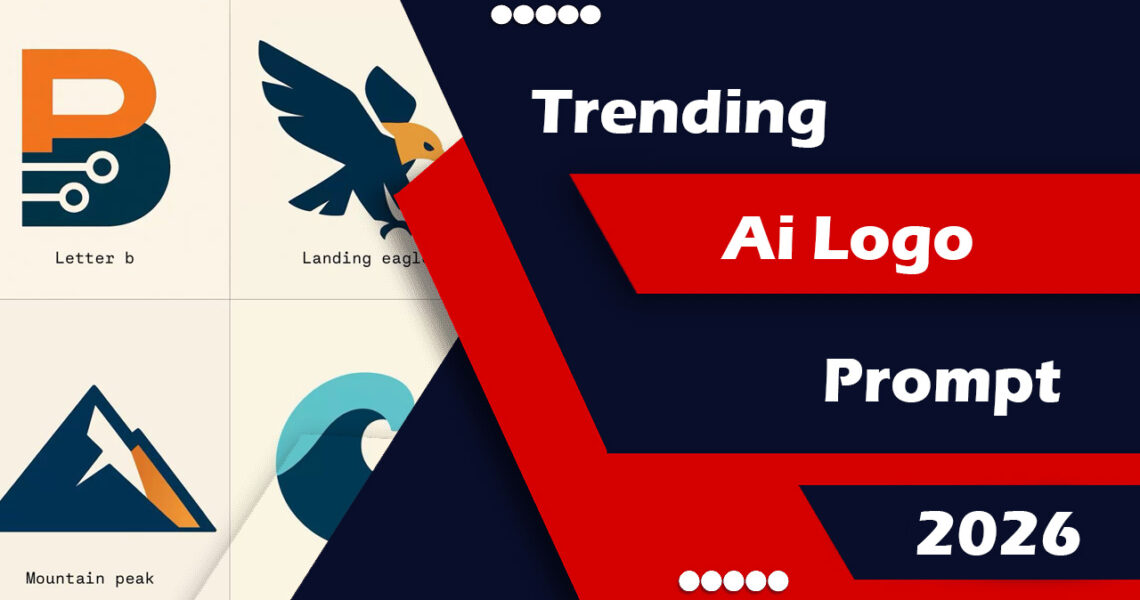
What I noticed after my first 50 or so attempts is that the prompts Trending AI Logo Prompts: The Complete Guide for Designersproducing interesting, usable results shared three things: they named a visual style with precision, they described the mark itself (the actual shape or symbol), and they specified a rendering aesthetic — not just a vibe word.
The Anatomy of a Strong AI Logo Prompt
Here’s the framework I now use every single time. It’s not magic, but it cuts failed generations down dramatically.
- Brand name + industry — Give the model context for meaning. “A logo for Heron, a mental health journaling app” is miles better than just “a mental health app logo.”
- The mark concept — What actual shape or symbol are you after? A lettermark, a geometric abstract shape, an animal, an icon? Be specific: “a minimal line-art heron in flight” not “a bird.”
- Visual style reference — Drop a design movement or era: Swiss International Style, Art Deco, Bauhaus, 90s grunge badge, Japanese Enso, mid-century Americana. These are loaded with implicit visual rules the model actually understands.
- Color intent — “Two-color, deep navy and warm sand” is actionable. “Nice colors” is not.
- Format and isolation — Always include “on a white background, vector style, no drop shadows, no gradients, no text” unless you want text. Especially in Midjourney, adding “isolated, flat vector” saves you from dimensional renders that can’t be used practically.
Putting that together, a prompt might look like this:
A minimal logo for “Heron” — a mental health journaling app. The mark is a single continuous line drawing of a heron standing still, rendered in Swiss International Style. Two colors only: deep navy (#1a2744) and soft sage green. Clean, flat vector, isolated on white background, no gradients, no drop shadows, no text.
That prompt, in Midjourney v6, gave me four results — two of which were genuinely close to something I’d have sketched myself. That’s a hit rate I’d never have gotten with “minimalist bird logo, modern, clean.”
The Tools That Are Actually Worth Your Time in 2026
Not all AI tools handle logo prompts the same way. After running similar prompts through six different platforms, here’s my honest assessment.
Midjourney v6
Still the aesthetic quality leader. Best for conceptual marks and unusual styles. Needs strong prompts to avoid busy results.
Ideogram 2.0
Surprisingly good at text-in-logo tasks. Better letter rendering than almost anything else right now.
Adobe Firefly
Clean, commercial-safe outputs. Less experimental but easier to refine. Great for client work.
Looka / Brandmark
Logo-specific AI tools. Faster workflow, less creative range. Useful for quick client concepts.
For most practical work, I’ve settled into a two-step process: generate the rough concept in Midjourney, then bring it into Illustrator and use Adobe’s AI tools to clean up and vectorize. Pure AI-to-final-file pipelines still have gaps — especially when a client needs a scalable SVG or needs to change brand colors later.
Trending Prompt Styles Right Now
If you’ve been on design Twitter or scrolling Behance lately, you’ve probably noticed some distinct aesthetic waves sweeping through AI-generated logos. These aren’t just trends for the sake of trends — some of them are genuinely interesting creative directions.
Retro sport badge revival. Think 1970s American sports team logos — bold outlines, limited color palettes, a slight arc on the text. The prompt phrase “vintage athletic badge, 1970s American sports logo, letterpress style, 3-color” unlocks this whole direction. Works especially well for food brands, clothing labels, and anything wanting a heritage feel.
Broken grid / deconstructed marks. These feel more editorial than corporate — shapes that look slightly offset or interrupted, like they’re mid-transformation. Prompt language: “deconstructed geometric mark, offset grid, inspired by Neville Brody, flat two-tone.”
Japanese minimalism with negative space. Enso-influenced marks, brush stroke geometry, heavy use of negative space. These require the most prompt precision because “Japanese minimalism” still has too much range. Anchor it: “Ensō-style circular mark, single brushstroke, asymmetric, minimal, ink on white.”
Dense badge lockups. The opposite of minimal — circular badge formats with layered type, illustrations, and ornamental details. These are having a serious moment in craft beverages and indie food brands. Prompt: “intricate circular badge logo, craft beer label style, ornate border, central illustration of [X], 19th century etching aesthetic.”
Prompt tip
To get more consistent results across variations, add --style raw in Midjourney and use --cref with a reference image if you have one. It reduces the model’s “creative interpretation” and keeps results closer to your spec.
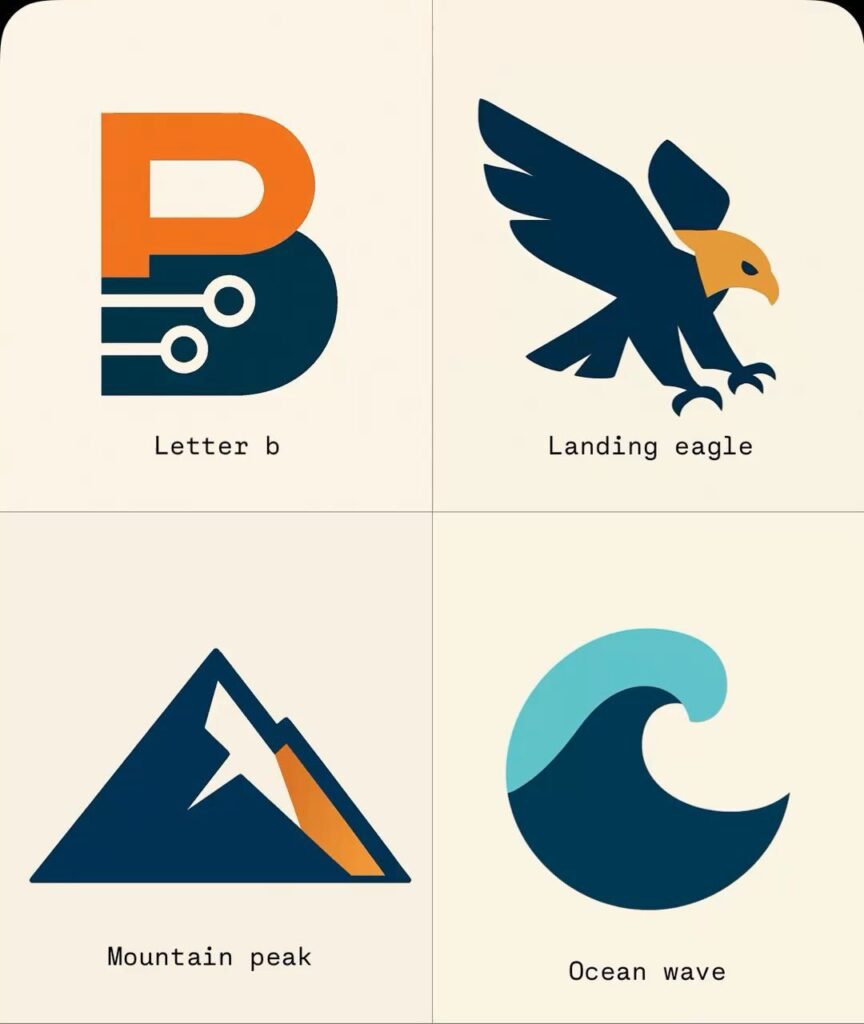
Prompt
Create a premium, professional, high-end logo design for a brand named “[BRAND NAME]”.
Brand Category:
[TECH / FASHION / LUXURY / GAMING / FITNESS / FOOD / AI / FINANCE / PERSONAL BRAND / AUTOMOTIVE / OTHER]
Logo Style:
[MINIMALIST / MODERN / LUXURY / FUTURISTIC / CORPORATE / VINTAGE / 3D / ABSTRACT / MASCOT / GEOMETRIC / CINEMATIC]
Main Text:
“[MAIN TEXT]”
Optional Tagline:
“[TAGLINE]”
Logo Shape / Structure:
[CIRCLE / SHIELD / HEXAGON / TRIANGLE / LETTERMARK / MONOGRAM / SYMBOL + TEXT / EMBLEM / FREEFORM]
Primary Colors:
[COLOR 1]
Secondary Colors:
[COLOR 2]
Accent Colors:
[COLOR 3]
Color Tone:
[DARK / LIGHT / NEON / PASTEL / METALLIC / GOLDEN / MATTE / GRADIENT / MONOCHROME]
Theme / Visual Direction:
[CYBERPUNK / LUXURY / NATURE / SPEED / SPACE / ROYAL / MODERN TECH / ELEGANT / CREATIVE / MINIMAL]
Typography Style:
[BOLD / THIN / MODERN SANS / FUTURISTIC / SERIF / CUSTOM LETTERING / PREMIUM]
Icon Element:
[AI CHIP / CROWN / LION / WOLF / CAMERA / LIGHTNING / MOUNTAIN / FLAME / WINGS / INITIAL LETTER / CUSTOM]
Design Requirements:
- Clean and memorable design
- Strong visual identity
- Professional brand appearance
- Balanced composition and spacing
- High detail and sharp edges
- Vector style
- Scalable for website, packaging, social media, business cards, and merchandise
- Avoid clutter and unnecessary elements
- Premium quality branding look
- Ultra high-resolution
- Transparent background
Rendering Style:
Modern branding presentation with realistic depth, subtle shadows, soft lighting, clean studio look, visually striking and market-ready.
Example Prompt
Create a premium logo for “SG Editor”
Brand Category: Personal Brand
Logo Style: Luxury + Minimal + Futuristic
Main Text: SG Editor
Tagline: Edit Beyond Limits
Logo Shape: Monogram
Primary Colors: Black
Secondary Colors: Gold
Accent Colors: White
Theme: Cinematic
Typography: Bold futuristic
Icon Element: Camera lens merged with S and G initials
Mistakes I Made (and Kept Making)
In the spirit of actually being useful, here are the errors I’ve watched myself and others repeat constantly.
- ✕Using brand colors as hex values and expecting accuracy. AI image models don’t truly understand hex codes — they’ll get in the ballpark at best. Describe your colors in natural language with mood context: “muted terracotta, warm clay tone” rather than “#C4683A.”
- ✕Asking for text in the logo without using Ideogram. Midjourney and DALL-E are still not reliable at rendering readable brand names in logos. If the text matters, use Ideogram or add the text yourself in post.
- ✕Prompting the feeling instead of the form. “Trustworthy, approachable, innovative” — these are brand strategy words, not visual instructions. Translate them: trustworthy → “balanced symmetry, clean geometry”; approachable → “rounded corners, warm palette”; innovative → “asymmetric, deconstructed lettermark.”
- ✕Treating the first good result as final. The best AI logo workflow is iterative. That first promising result is a direction, not a deliverable. Run 3–4 more variations off it, then refine the best in vector software.
- ✕Skipping the isolation prompt. Always add “isolated on white, flat, no background texture” unless you specifically want something embedded in a scene. It makes the extraction process so much cleaner.
A Real Example from Start to Finish
Here’s an actual workflow I ran recently for a small pottery studio called “Fieldstone.” The owner wanted something that felt tactile and handmade but still clean enough for digital use.
First attempt — the naive approach:
A logo for Fieldstone pottery studio. Minimalist, natural, earthy.
Result: a forgettable pebble icon with “FIELDSTONE” in a sans-serif underneath. Fine. Not memorable.
After applying the framework:
Minimal logo mark for “Fieldstone” — a small pottery studio. The mark is an abstract representation of a stone or clay form, loosely geometric, as if hand-drawn with a thick ink pen. Bauhaus-influenced, single color: dark charcoal brown. Rough texture on edges suggesting handmade quality. Flat, isolated on white, vector style, no gradients, no text, no drop shadows.
Result: three of the four variations were genuinely interesting — one was an abstract rounded form with slight ink irregularities that looked like it could have been drawn by a real designer in ten minutes. The client loved it. I spent another 45 minutes in Illustrator tracing and cleaning it up, and it became the actual logo.
That’s the honest workflow. AI gets you 60–70% of the way there fast. Human judgment and craft tools close the gap.
Where This Is All Going
A lot of designers are nervous about AI logo tools taking their work. I understand the anxiety, but what I’ve actually experienced is more nuanced. The people who lose work are the ones doing low-effort, commodity logo work — the “$50 fiverr logo in 2 hours” tier. That market is genuinely being disrupted.
But anything requiring real brand strategy, iterative client collaboration, or sophisticated visual thinking still needs a human in the loop. The AI can’t tell you that a dense ornate badge is wrong for a children’s health app, or that your “innovative” startup logo accidentally looks like a 2014 crypto brand. Context and judgment are still ours.
What I’d actually recommend: lean into these tools hard. Learn the prompt language deeply. Use AI as your sketch pad — the thing that externalizes ideas fast so you can evaluate and redirect. The designers thriving right now are the ones who’ve made AI generation a fluent part of their process, not a replacement for it.
“The designers thriving right now are the ones who’ve made AI generation a fluent part of their process, not a threat to it.”
If there’s one thing I’d leave you with: spend less time finding the “perfect prompt” on Reddit and more time building your own vocabulary. The best prompts I use now came from trial, failure, and paying close attention to what changed when I swapped one word for another. There’s no shortcut to that, but it’s also genuinely fun once you’re in it.
Go burn through some bad results. The good ones are right behind them.
Written by a working designer who spends way too much time arguing with image models. Got a prompt that’s been working well for you? I’d genuinely like to hear it.