
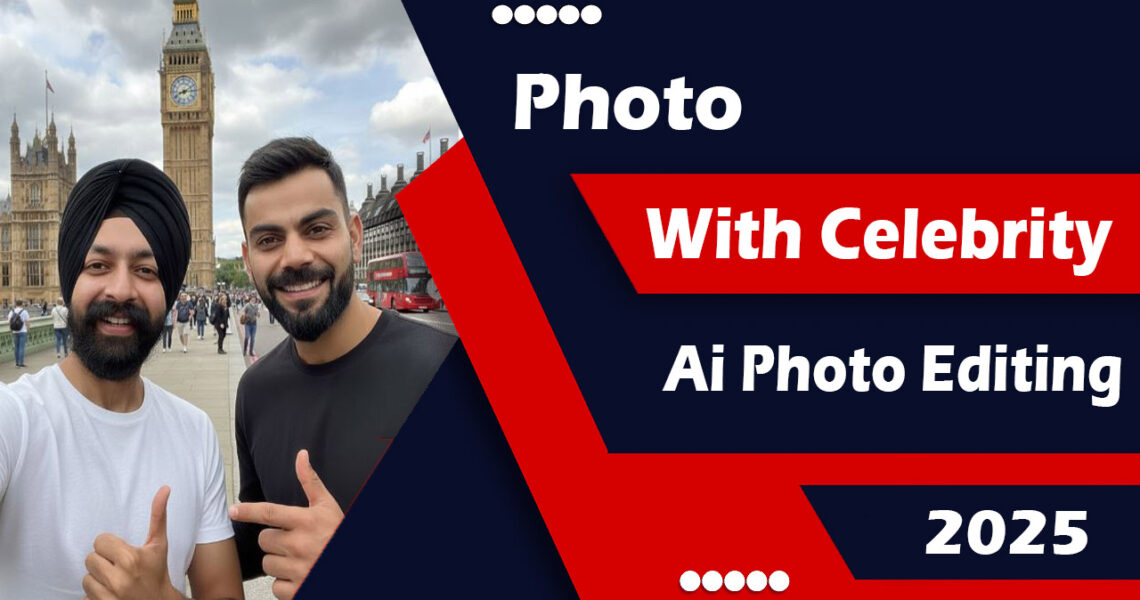
Photo with celebrity is now trending on TikTok and Instagram. Many people are searching for AI photo editing apps that allow them to take pictures with their favorite celebrities. In this article, I’ll show you how you can easily create a photo with any celebrity using Freepik AI.
With this tool, you just upload your selfie, write a prompt, and the AI generates a realistic picture of you standing next to your favorite celebrity. Let’s explore the full features and step-by-step guide.
Freepik AI Features
1. Stock Asset Library
- Huge collection of images, vectors, PSD templates, icons, audio, and video.
- Ready-to-use templates and mockups for social media, branding, and presentations.
- Advanced search and filter options (by license, style, color, etc.).
2. AI-Powered Creative Tools (Freepik AI Suite)
- AI Image Generator – Convert text prompts into realistic photos and visuals.
- Reimagine Tool – Create multiple variations of images.
- Sketch to Image – Turn your drawings into professional photos.
- LoRAs & Prompt Enhancer – Maintain style and improve results.
- AI Video Generator – Create animated videos with camera movements, lip sync, and image-to-video features.
- AI Voice Generator – Convert text into natural voiceovers in multiple languages.
- Upscaler & Enhancers – Increase image resolution up to 10K, remove backgrounds, retouch, expand, and enhance.
3. AI Assistant
- Chat-based assistant where you simply describe what you want, and it creates it automatically.
4. Additional Tools
- Mockup Generator – Place designs on real objects like t-shirts, packaging, and devices.
- Icon Generator – Create AI-powered custom icons.
- Wepik Editor – Online template editor with GIFs, stickers, text, and music.
- Designer Tool – Includes AI Writer, filters, masking, and translation.
Freepik Plans & Access
- Free Plan – Limited downloads with attribution.
- Premium Plan – More downloads without attribution.
- AI Premium – Extra AI credits for images, videos, and voices.
- Pay-As-You-Go – Buy credits anytime.
- Teams & Enterprise – Centralized credits, admin control, and API access.
- Premium+ / Pro – Unlimited AI image & video generation.
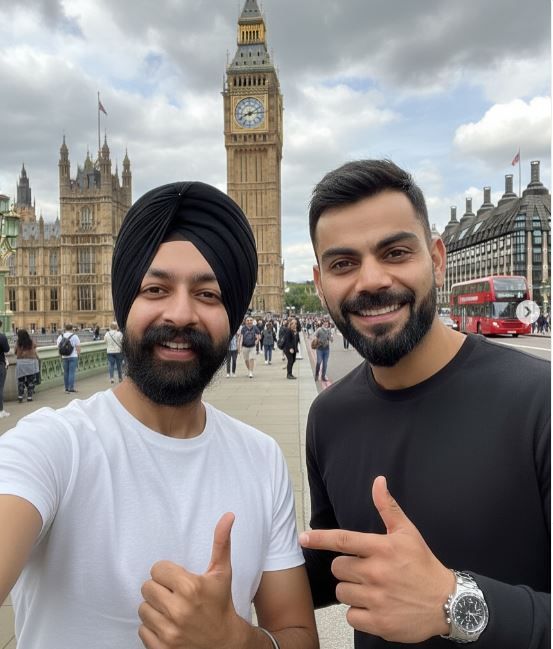
Prompt
“Me taking a selfie with very realistic Virat Kohli in front of Big Ben in London. I am wearing a white t-shirt. My face details, eyes, beard, and lips are exactly the same as in real life.”
iPhone App
Android App
How to Make a Photo With a Celebrity
- Open Freepik AI
- Visit the Freepik website or app.
- Log in with your account (Premium or AI Premium plan recommended).
- Select AI Image Generator
- Choose the AI Image Generator tool from the dashboard.
- Upload Your Selfie
- Click on “Upload Reference Image.”
- Upload a clear selfie with visible face details (eyes, beard, lips, etc.).
- Write Your Prompt
Example:
“Me taking a selfie with very realistic Virat Kohli in front of Big Ben in London. I am wearing a white t-shirt. My face details, eyes, beard, and lips are exactly the same as in real life.” - Adjust Settings (Optional)
- Style: Realistic or Photorealistic.
- Resolution: High for best quality.
- Aspect Ratio: Portrait (4:5) or Square (1:1).
- Generate Your Photo
- Click Generate and wait a few seconds.
- AI will combine your selfie with the prompt to create the photo.
- Refine Results
- If the result isn’t perfect, adjust your prompt.
- Add details like lighting, background, or celebrity expressions.
- Use the Variations option for multiple outputs.
Conclusion
Creating a photo with celebrity using AI is now a hot trend on TikTok and Instagram. With Freepik AI, you can generate ultra-realistic photos with any celebrity in just a few seconds.
If you love photo and video editing, you can also explore Mix2VFX by Hamza VFX, where you’ll find trending CapCut templates, AI photo prompts, Lightroom presets, and other editing resources.