
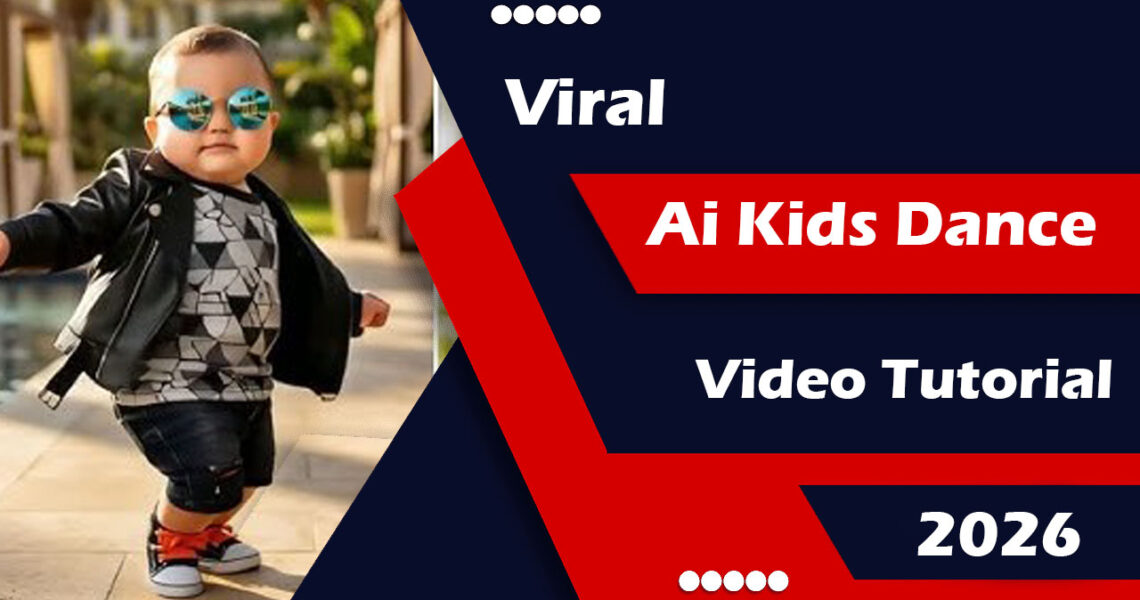
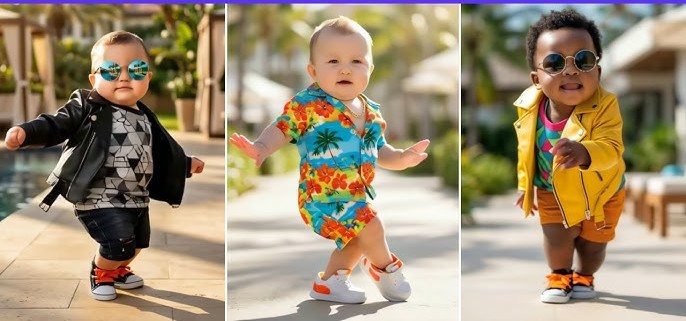
AI kids dance videos are currently trending on TikTok and Instagram. Many people are searching online for AI kids dance tutorials to learn how to create these viral videos. In this article, I will explain an easy and simple way to make a viral kids AI dance video using AI tools.
These videos are getting a lot of views and engagement, so you can use them to grow your TikTok, Instagram Reels, or YouTube Shorts account. The best part is that you don’t need any editing skills. You just need to write an AI prompt, and the AI tool will automatically create the video for you. After that, you can download the video and upload it on social media.
Below is a complete step-by-step guide on how to create a viral AI kids dance video.
How to Make a Viral Kids AI Dance Video Using Kling AI
1: Prepare the Image
First, choose a good-quality image of a child.
- Use a clear, front-facing photo
- Make sure the lighting is good
- The image should be sharp and not blurry
- Full body or half body images work best for dance movements
- A simple background gives better results
2: Open the Kling AI Website
- Visit the official Kling AI website
- Sign up or log in to your account
- Select Image to Video or AI Video Generator
3: Upload the Image
- Upload the child’s photo
- Adjust the crop if needed
- Make sure the face and body are clearly visible
4: Use a Viral Dance Prompt
Copy and paste the following prompt into Kling AI:
Prompt:
A cute kid performing a happy viral dance with smooth body movements, playful hand gestures, natural facial expressions, colorful outfit, energetic kids dance style, joyful mood, stable camera, realistic animation, high-quality video suitable for social media.
5: Choose Video Settings
Use these recommended settings for best results:
- Duration: 5–8 seconds
- Resolution: 720p or 1080p
- Motion intensity: Medium or High
- Camera: Static or slightly dynamic
6: Generate the Video
- Click on Generate
- Wait for the video to process
- Preview the result
- If the movement looks stiff or unnatural, regenerate the video
7: Add Music and Final Touches
- Download the generated video
- Open CapCut, VN, or InShot
- Add a trending kids dance song
- Add light text or simple effects if needed
Tips to Make Your AI Kids Dance Video Go Viral
- Keep videos short and loop-friendly
- Use bright outfits and happy expressions
- Post on TikTok, Instagram Reels, and YouTube Shorts
- Use relevant hashtags like AI dance, kids dance, and AI video
Conclusion
AI kids dance videos are trending on TikTok and Instagram, and many users are searching for tutorials to create them. In this article, I shared a complete step-by-step method to create a viral AI kids dance video using the Kling AI website.
Mix2vfx is a website by Hamza VFX where you can find trending AI prompts, video and photo editing apps, CapCut templates, and much more.